
Digital Marketing
·
April 10, 2026
How SaaS Companies Handle Billing Disputes & Chargebacks
Learn how SaaS billing disputes happen, what triggers chargebacks, and how both sides can resolve them faster.

Compare job-change tracking tools for HubSpot — setup, accuracy, alerts, and pricing to find the easiest, most affordable option for reliable contact updates.

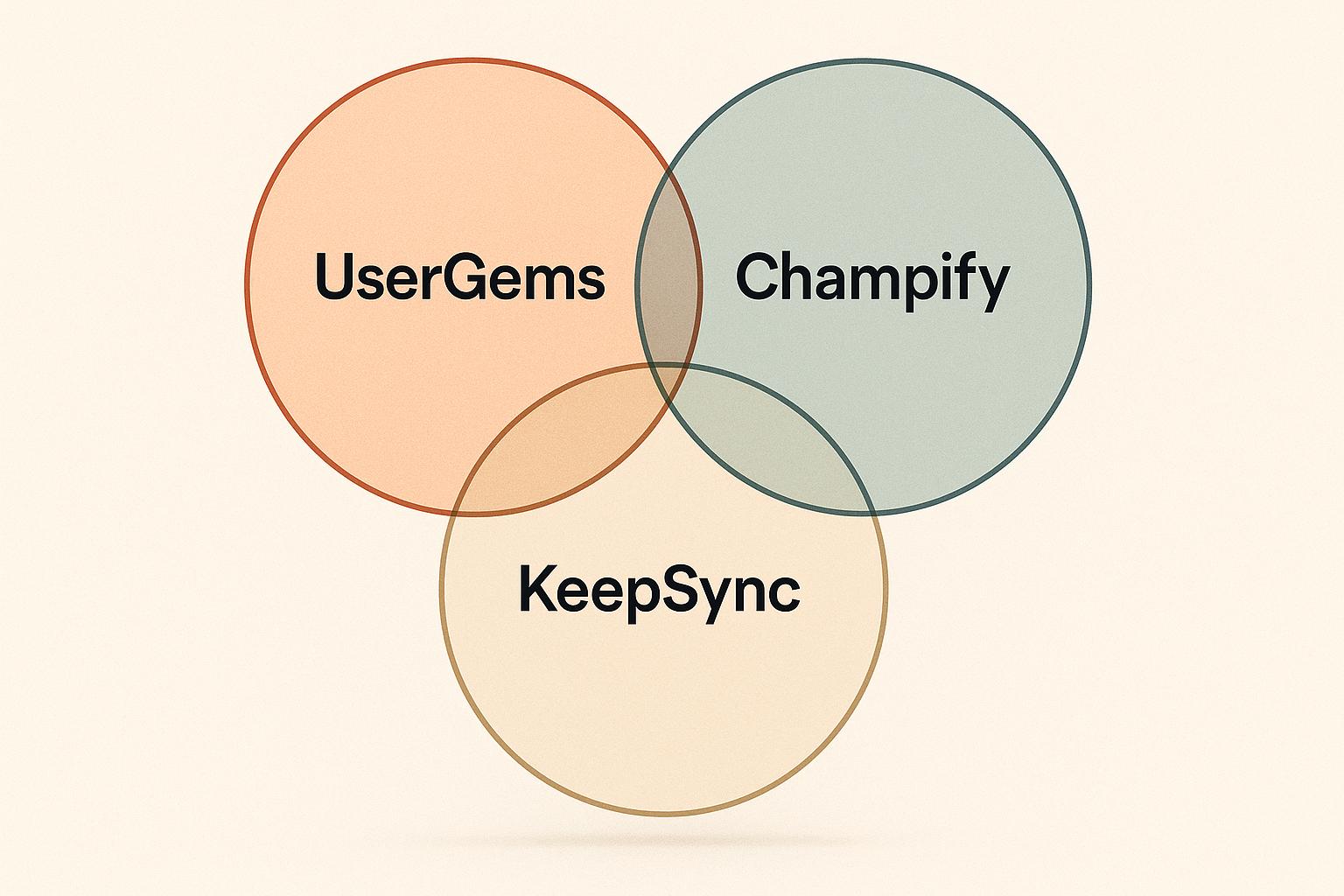
When it comes to tracking job changes directly in HubSpot, KeepSync stands out as the most user-friendly and cost-effective option. It offers quick setup, accurate data (94% accuracy), and flexible pricing starting at $79/month. UserGems and Champify also integrate with HubSpot but come with higher costs and more complex setups.
Key differences:
| Feature | UserGems | Champify | KeepSync |
|---|---|---|---|
| Integration | Native, requires custom properties | Native | Native, no custom properties |
| Accuracy | Not disclosed | Not disclosed | 94% with multi-source verification |
| Pricing | Starts ~$3,290/month | Starts $1,250/month | Starts $79/month |
| Setup Time | Medium complexity | High complexity | 5 minutes |
| Alert Options | HubSpot workflows | HubSpot workflows | Slack, email, HubSpot |
| Contact Enrichment | Job title, company, email updates | Not specified | Verified contact details |
If you're looking for an easy-to-use, affordable solution with reliable data, KeepSync is the best choice for HubSpot users.
Keeping your HubSpot database current is absolutely essential. When your contacts switch roles, outdated records can block effective outreach and lead to missed opportunities. Without a system to automatically track these changes, your CRM risks becoming a collection of stale data - dragging down your team’s productivity and effectiveness.
Missed updates on role changes can directly impact revenue. For example, when a key decision-maker transitions to a new company, tracking that move in real time gives you the chance to engage early and establish a meaningful connection. This proactive approach can pave the way for long-term business relationships.
Relying on manual tracking? That often falls short. Updating records by hand eats up valuable time that could be spent on higher-priority tasks. Automation, on the other hand, ensures job changes are captured quickly and accurately, so no critical updates slip through the cracks.
Accurate data also keeps your CRM clean and efficient. Duplicate records can skew reports and misguide your outreach efforts. By maintaining clean, up-to-date information, you’ll ensure more reliable reporting and sharper marketing automation.
For account-based strategies in HubSpot, having up-to-date employment data is non-negotiable. Outdated records could mean targeting former employees or missing out on new opportunities within key accounts. Keeping relationship maps current ensures your team stays connected to the right decision-makers.
Automation can also trigger timely and relevant engagements. When a role change occurs, it enables you to reach out with personalized messaging that builds rapport and keeps your outreach meaningful.
In short, tracking job changes helps keep your HubSpot CRM dependable, uncovers new opportunities, and ensures your workflows deliver well-timed and impactful communication.
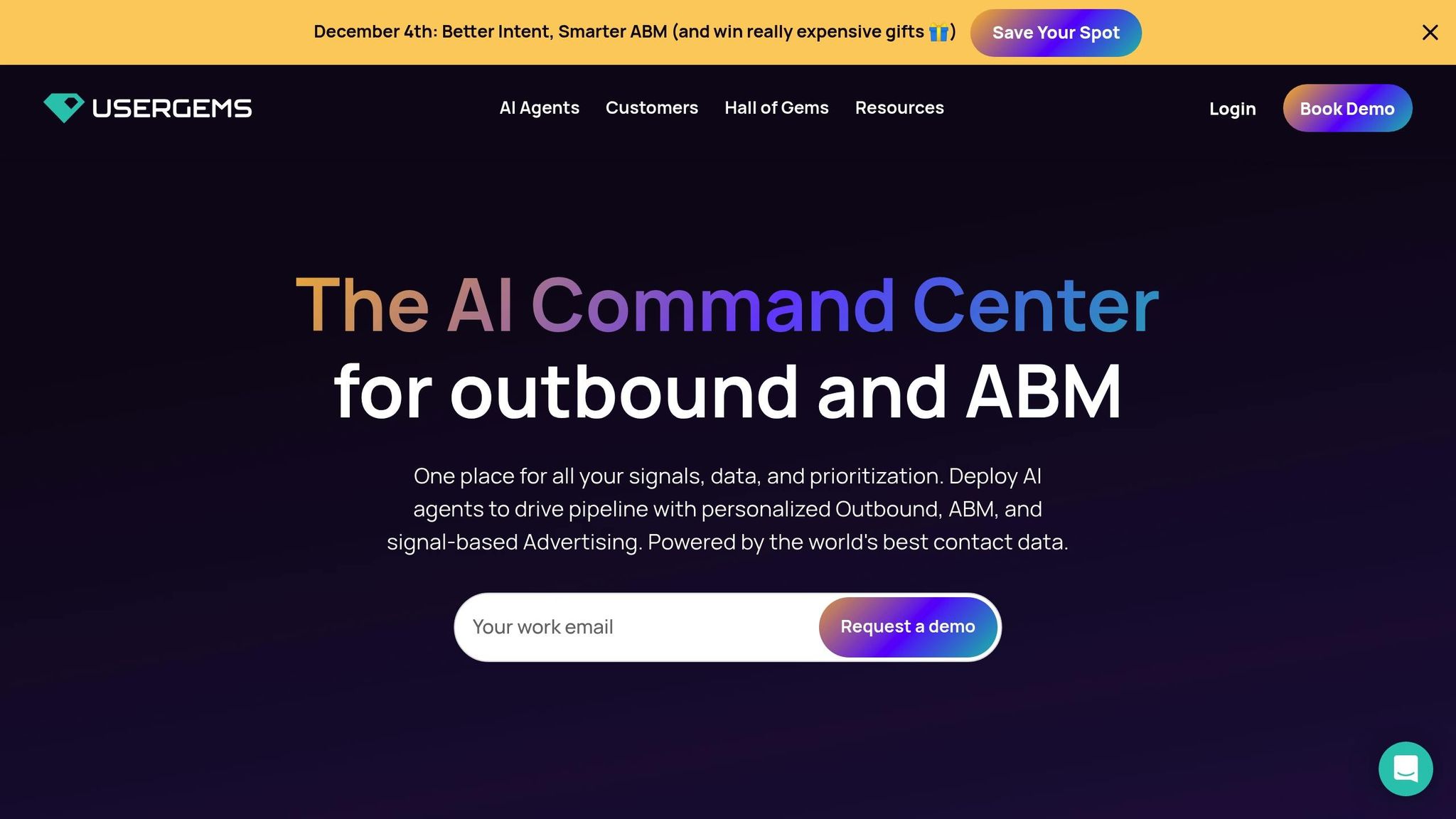
UserGems connects directly with HubSpot to provide real-time job change data [1][2]. By importing contact and company lists from HubSpot, it keeps an eye on key profiles. Once the integration is set up, UserGems continuously monitors for job changes and updates CRM records automatically. This creates a smooth flow of information and sets up automated alerts to keep your team informed.
UserGems takes this integration a step further by offering tools that ensure your CRM stays up-to-date.
These features make it easier to stay ahead of changes and turn updated data into actionable insights.
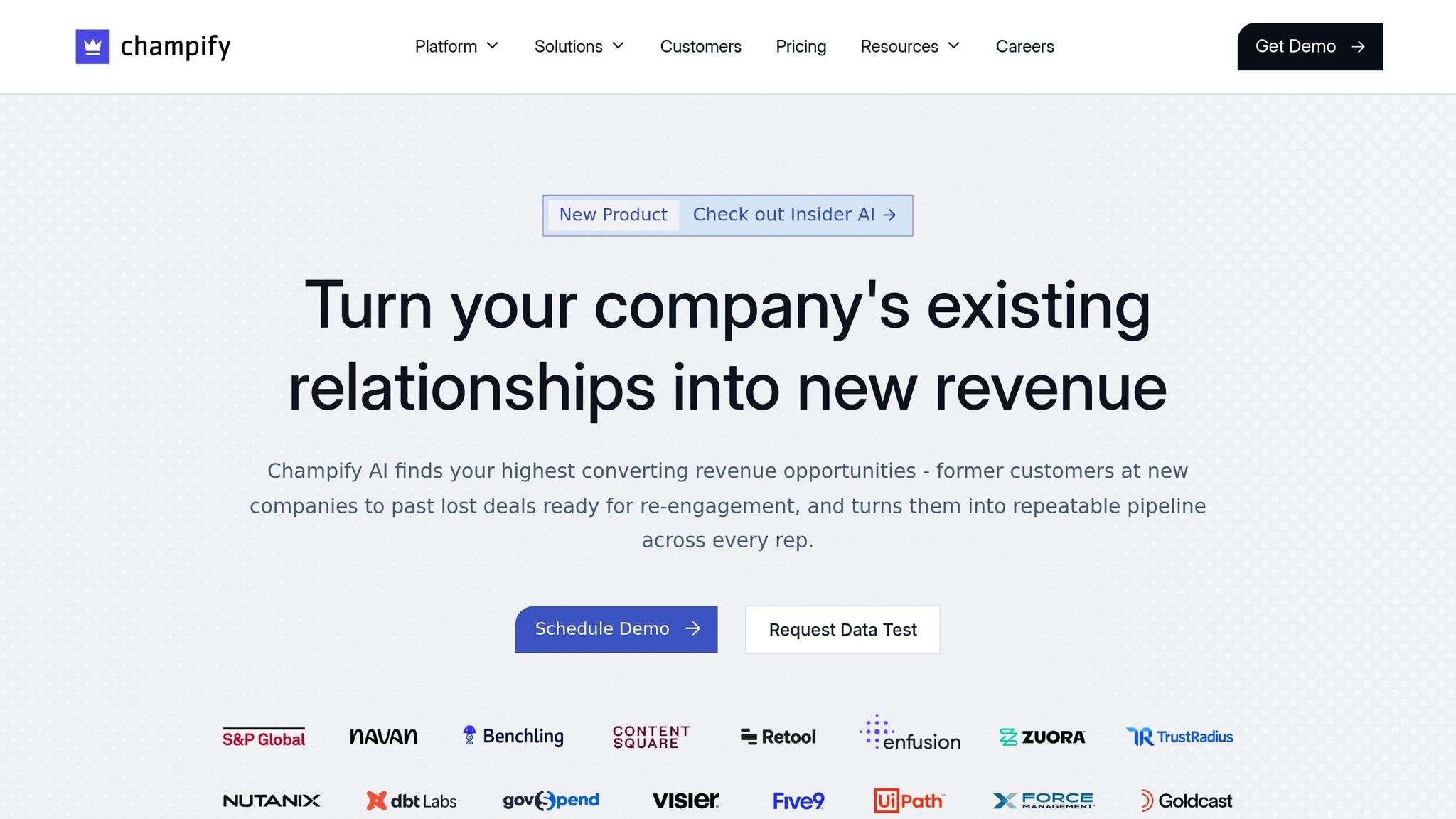
Champify works seamlessly with HubSpot by automatically updating records whenever job changes are detected. This allows sales teams to act quickly and reach out during transitions, ensuring timely engagement - much like other similar tools in the market.
Note: The available documentation does not yet provide specifics on how often updates occur, whether new records are created, or the extent of workflow customization options.
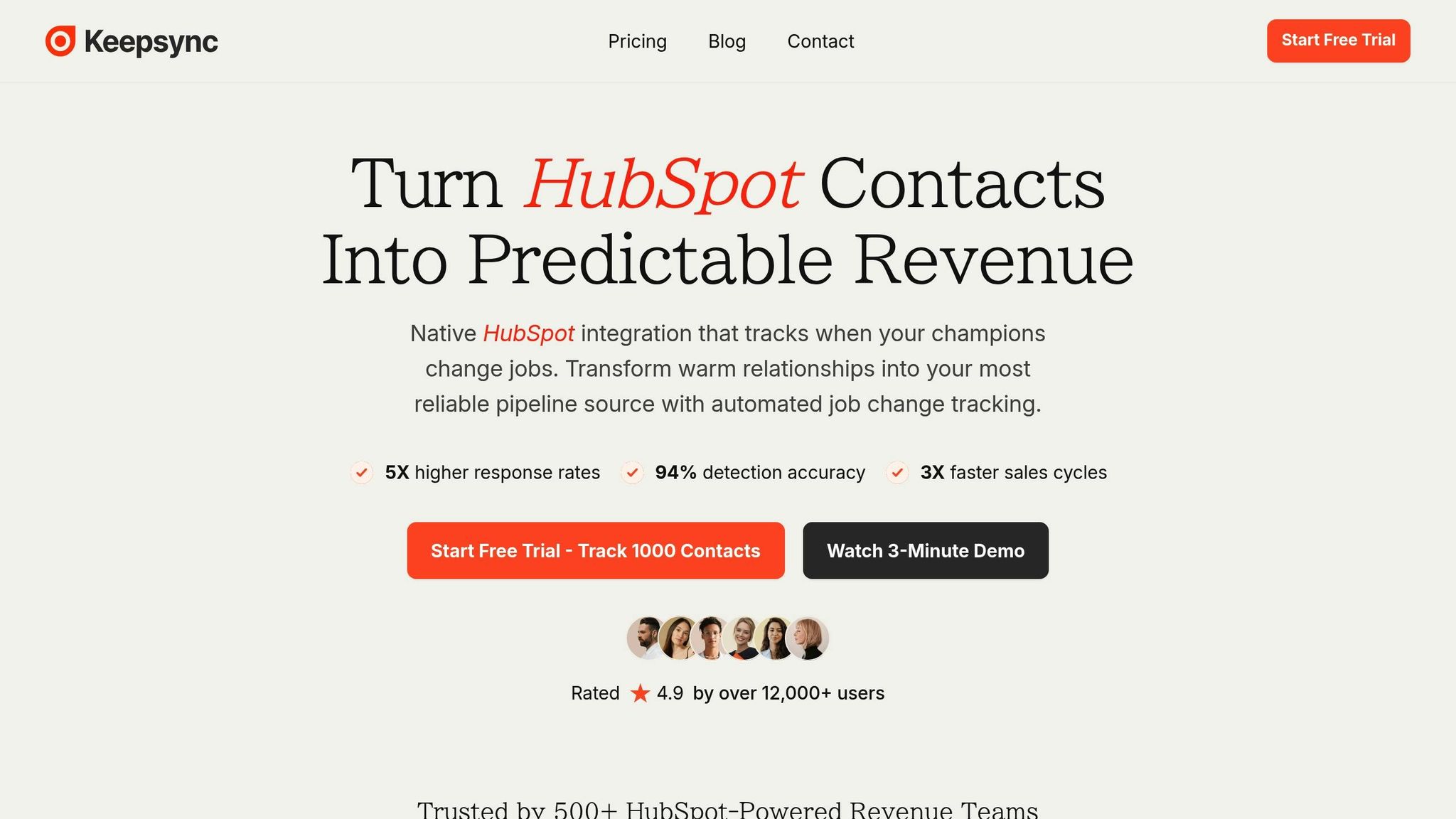
KeepSync is built to work seamlessly within HubSpot, making it easy to keep your contact records up-to-date. The platform tracks your HubSpot contacts for job changes and automatically updates their details when they switch roles or companies.
The setup process is quick - just five minutes. Once connected, KeepSync gets to work, monitoring your contacts weekly across more than 30 data sources to spot job changes. When a change is identified, it enriches the contact's profile with updated details like their new email address, phone number, and company information.
You’ll receive notifications through Slack, email, or directly in HubSpot, so you can act fast. KeepSync also integrates with HubSpot workflows, letting you automate tasks like assigning leads to the right sales rep or sending personalized follow-up emails.
KeepSync’s features are designed to turn raw data into actionable insights.
One of its standout capabilities is a 94% accuracy rate in detecting job changes. This level of precision is achieved through a combination of data collected from multiple sources and human review, ensuring your CRM only gets reliable updates.
The platform sends timely alerts without disrupting your workflow, delivering notifications through Slack, email, or HubSpot. It also enriches contact records with verified details, saving you the hassle of manual research. Plus, pipeline analytics let you track key metrics like response rates, helping you measure the impact of your outreach efforts.
Another advantage is the ability to monitor different contact segments. Whether you’re tracking former champions, closed-lost deals, or competitors' customers, KeepSync gives you a full view of opportunities within your CRM.
KeepSync stands out not just for its features but for its ease of use and straightforward pricing.
Its native integration means you don’t have to worry about manual data transfers - everything happens directly in HubSpot, where your team already works. The setup takes just five minutes: connect your HubSpot account, choose the contacts you want to monitor, and set up your notification preferences - no IT expertise required.
Pricing is simple and transparent. The Starter plan is $79/month for up to 1,000 contacts and includes weekly monitoring, email alerts, webhooks, and support. Need more? The Team plan costs $149/month for 5,000 contacts, while the Agency plan is $399/month for 20,000 contacts and comes with perks like white labeling and a dedicated customer success manager.
Another key differentiator is KeepSync’s multi-source verification process. By combining automated data collection with human review, the platform ensures its 94% accuracy rate, giving your sales team dependable data to turn warm leads into real opportunities.
For HubSpot users, choosing a tool that integrates seamlessly while providing accurate and timely updates is essential. We assessed key factors like integration, accuracy, monitoring frequency, alert options, contact enrichment, workflow automation, pricing, and setup time.
| Feature | UserGems | Champify | KeepSync |
|---|---|---|---|
| HubSpot Integration | Native integration with custom property requirements | Strong native integration | Native integration; no custom properties needed |
| Accuracy Rate | Not publicly disclosed | Not publicly disclosed | 94% with multi-source verification[3] |
| Monitoring Frequency | Not specified | Not specified | Weekly across 30+ sources |
| Alert Options | HubSpot workflows | HubSpot workflows | Slack, email, HubSpot |
| Contact Enrichment | Enriched contacts (email, phone, company data) | Not specified | Verified contact details (email, phone, company) |
| Workflow Automation | Triggers custom workflows and sequences | Emphasizes relationship mapping | Native HubSpot workflow integration |
| Setup Time | Medium complexity | High complexity with onboarding fee | 5 minutes |
| Pricing | Standard: ~$3,290/month Premium: ~$4,990/month Enterprise: $16,400–$81,900/year |
Growth: $1,250/month (10,000+ contacts) Pro: $3,000/month (40,000+ contacts) Onboarding: $3,000–$4,000 |
Starter: $79/month (1,000 contacts) Team: $149/month (5,000 contacts) Agency: $399/month (20,000 contacts) |
| Custom Properties | Required for signal context | Not specified | Not required |
| Support Level | Dedicated revenue operations specialists | Not specified | Email support (Starter), Priority support (Team), Dedicated CSM (Agency) |
Let’s break down how each tool approaches these features.
UserGems: This platform uses custom HubSpot properties to provide detailed signal context, which can enhance targeting but adds some setup complexity. It also offers customizable CRM export settings, letting users control how new records are created and mapped.
"UserGems automates the hours I would normally spend hunting for potential champions." - Evan B., Account Executive[3]
Champify: Champify focuses on relationship timelines, helping users visualize connection strength. While this approach is useful for tracking engagement, the onboarding process is more complex and comes with additional fees.
"We booked our first meeting through Champify within 30 minutes of being onboarded." - Ben Gobbitt, Director of Sales @ Reachdesk[3]
KeepSync: KeepSync stands out for its simplicity, offering native integration with a quick, five-minute setup that doesn’t require IT assistance or custom configurations. Alerts are available through Slack, email, or HubSpot, and its pricing ranges from free to $399/month, making it a cost-effective option. By combining automated data collection with human review, KeepSync achieves a 94% accuracy rate, ensuring reliable job change data for outreach.
KeepSync’s affordability and straightforward setup make it an appealing choice for users looking for a balance of functionality and cost. These comparisons highlight the strengths of each platform, helping users identify the best HubSpot partner for their needs.
When it comes to job change tracking tools for HubSpot users, KeepSync emerges as a standout option. Here’s why it checks all the right boxes for accuracy, ease of use, and affordability.
If you’re new to job change tracking or working with a smaller budget, KeepSync’s Starter plan ($79/mo) is a great way to get started. It allows you to monitor up to 1,000 contacts each month without any upfront cost. For growing teams, the $149/month Team plan covers 5,000 contacts and includes priority support, making it a scalable option for businesses of all sizes.
Quick setup is a major plus. KeepSync can be installed in just five minutes - no need for IT assistance, custom properties, or complicated configurations. This means you can start tracking job changes on the same day you sign up.
Accuracy is another key feature. With a 94% accuracy rate, KeepSync combines automated data collection with human verification. This ensures your team gets reliable insights without wasting time on incorrect data, ultimately boosting confidence in your pipeline.
KeepSync also offers flexible alert options, sending notifications via Slack, email, or directly in HubSpot. These alerts integrate seamlessly into your team’s existing workflows, helping you stay on top of real-time changes and streamline follow-ups. Plus, its native HubSpot integration allows you to automate tasks like lead routing, sequence triggers, and deal stage updates - no need to build complex workflows from scratch.
For agencies managing multiple client accounts, KeepSync provides additional value through its Agency plan. This includes white-label capabilities and a dedicated customer success manager, making it easier to offer job change tracking as part of your services without cutting into your margins.
With these features, KeepSync stands out as a reliable and efficient tool for delivering actionable job change insights that align with your sales and marketing goals.
KeepSync is a smart choice for HubSpot users looking for a job change tracking tool that’s simple to use, accurate, and cost-effective. Its transparent 94% accuracy rate, five-minute setup, and pricing starting at $79/month make it accessible for teams of all sizes.
Why choose KeepSync? It offers immediate usability, dependable accuracy, flexible alert options, and scalable pricing - all without requiring annual contracts.
With weekly monitoring across 30+ sources, verified contact enrichment, and seamless HubSpot integration, KeepSync allows your sales team to focus on engaging leads instead of managing data. This efficiency directly supports faster pipelines and improved win rates, making it an essential tool for teams aiming to convert warm leads from job changes into lasting relationships.
KeepSync boasts an impressive 94% accuracy rate, achieved by using cutting-edge algorithms and real-time data updates to monitor job changes with pinpoint precision. It works effortlessly with HubSpot, keeping your CRM updated with the most current contact details and employment information.
By blending AI-powered insights with verified data sources, KeepSync reduces errors and delivers timely updates. This ensures sales teams have the actionable information they need to stay ahead in their outreach and lead generation strategies.
KeepSync takes the hassle out of tracking job changes by automatically detecting when your contacts move to a new role or company. It updates your HubSpot CRM with fresh contact and company details, keeping your records accurate without the need for manual updates.
On top of that, KeepSync powers automated workflows in HubSpot. For example, it can add updated contacts to sequences or alert your team about important job changes. This streamlines your processes, minimizes mistakes, and lets you respond faster to new opportunities - making it a powerful asset for boosting your sales pipeline.
KeepSync provides a variety of pricing plans designed to suit businesses of different sizes. These plans come with tools aimed at helping sales teams monitor job changes and improve their sales pipelines. For the latest pricing details and a full breakdown of included features, it's best to contact KeepSync directly or check their official website.