Most HubSpot teams find out about contact job changes weeks — or months — too late. By then, the budget window has closed and a competitor got there first.
This guide walks you through setting up automated job change alerts in HubSpot, from custom properties to workflows to rep notification templates. Total setup time: about 2 hours.
Why Job Change Alerts Matter
The numbers are stark:
- 30% of B2B contacts change jobs annually — that's 3,000 contacts per 10,000 in your CRM
- New buyers spend 70% of their budget in the first 100 days — timing is everything
- Warm outreach converts 2-3x better than cold — job changes are the warmest signal available
- Without tracking, you're losing 89% of these opportunities — most teams find out too late or not at all
What You'll Need
- HubSpot Professional or Enterprise (for workflows)
- A job change detection tool (KeepSync, UserGems, or similar)
- About 2 hours for initial setup
- Access to HubSpot custom properties and workflow editor
Step 1: Create Custom Contact Properties
Go to Settings → Properties → Contact Properties and create these fields:
| Property Name |
Type |
Purpose |
| job_change_detected_date | Date | When the change was flagged |
| previous_company_name | Single-line text | Their old employer |
| previous_job_title | Single-line text | Their old title |
| contact_relationship_type | Dropdown | Former Customer / Champion / Prospect / Other |
| job_change_priority_score | Number | Calculated priority (0-100) |
Step 2: Set Up the Detection Source
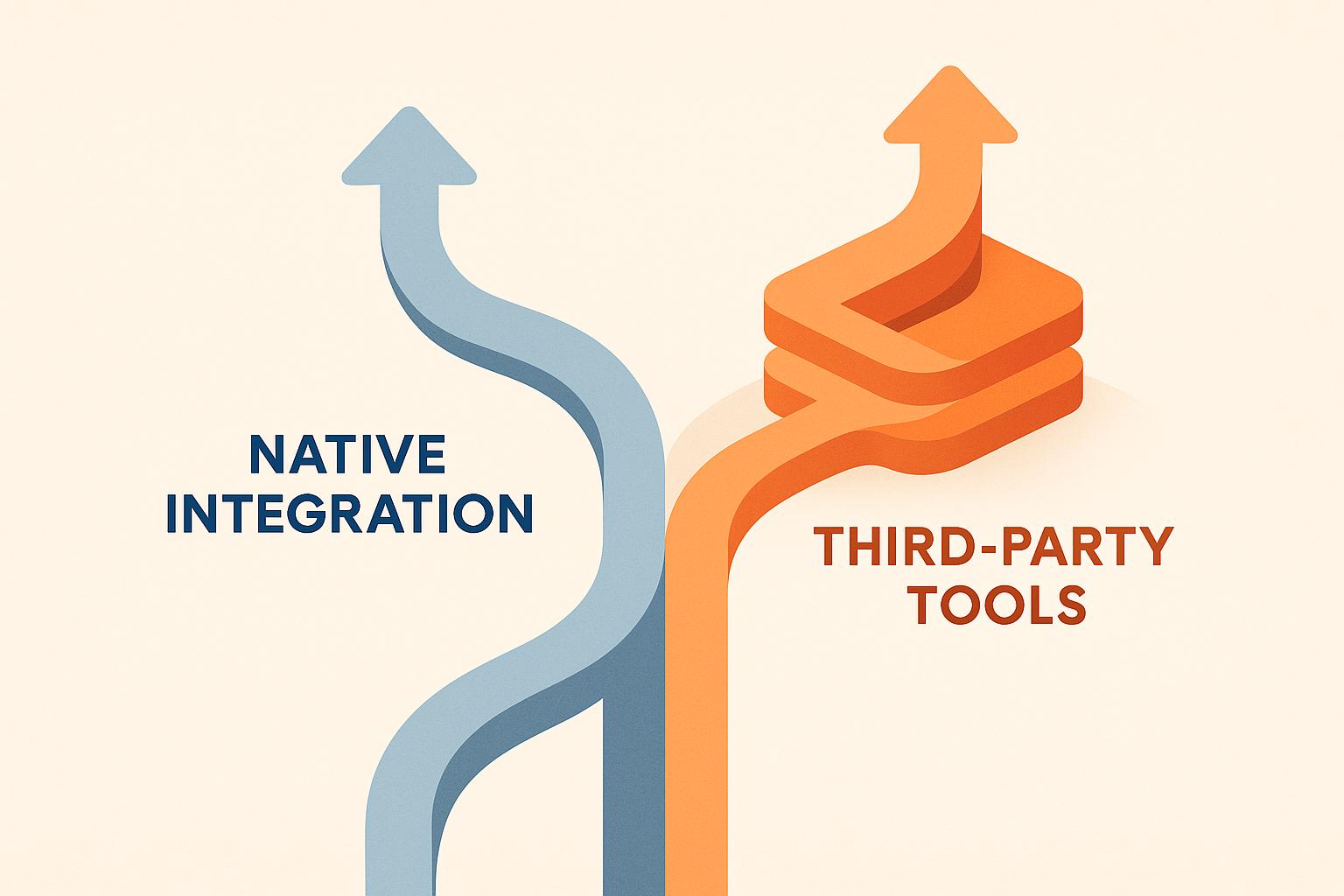
HubSpot doesn't detect job changes natively. You need a third-party tool that pushes changes into these custom properties. Options:
Option A: KeepSync (Recommended for HubSpot)
- Native HubSpot integration — installs in minutes
- Automatically writes to your custom properties
- $149/mo, no annual contract
- 94% accuracy on job change detection
Option B: UserGems
- More mature product, larger database
- HubSpot integration available (not native — requires mapping)
- Starting ~$10,000/year, annual commitment required
- Better for Salesforce-primary teams
Option C: Manual LinkedIn Monitoring
- Free but doesn't scale past ~200 contacts
- Sales Navigator alerts + manual CRM updates
- Recommended only as a proof-of-concept before buying a tool
💡 KeepSync does this natively in HubSpot — $149/mo, no annual contract.
Get early access →
Step 3: Build Priority Scoring Workflow
Create a HubSpot workflow triggered when job_change_detected_date is known:
Scoring Logic (If/Then Branches)
- If contact_relationship_type = "Former Customer" → Set job_change_priority_score to 80
- If contact_relationship_type = "Champion" → Set score to 70
- If contact_relationship_type = "Prospect" → Set score to 40
- If new company revenue > $10M AND matches ICP → Add 20 to score
- If job title contains "VP", "Director", "Head of" → Add 15 to score
Step 4: Create Alert Workflows
High Priority Alert (Score 80+)
Trigger: job_change_priority_score ≥ 80
- Create a deal in your pipeline (stage: "Job Change - Qualified")
- Send Slack notification to the contact owner
- Enroll in personalized email sequence
- Create a task: "Call within 48 hours"
Medium Priority Alert (Score 40-79)
- Send email notification to contact owner with context
- Enroll in nurture sequence (not direct sales outreach)
- Add to weekly digest report
Low Priority (Score <40)
- Update CRM record only
- Add to monthly batch review list
Step 5: Create Email Templates
Pre-build these templates so reps aren't writing from scratch:
Template: Former Customer Job Change
Subject: Congrats on the new role at [Company]!
Hi [First Name],
Saw you moved to [New Company] — congrats! When you were at [Old Company], your team used [Product] for [use case].
If [New Company] is facing similar challenges, I'd love to share what's changed since you last saw us. No pressure — just figured the timing might be right.
Worth a 15-min catch-up?
Template: Champion from Closed-Lost Deal
Hi [First Name],
Congrats on joining [New Company]! I remember when we spoke at [Old Company] — timing wasn't right then, but you mentioned [specific pain point] was a priority.
If [New Company] is dealing with that too, the solution has evolved a lot. Happy to show you what's new in 15 minutes.
Step 6: Measure and Optimize
Track these metrics monthly:
- Job changes detected — Is your tool catching enough?
- Response rate by priority tier — Is your scoring accurate?
- Pipeline generated from job changes — Create a custom report filtered by deal source
- Time from detection to first touch — Should be <48 hours for high priority
- Win rate vs. other pipeline sources — Job change leads should close at 2-3x cold
Common Pitfalls
- Not segmenting by relationship type. A former customer deserves very different outreach than a random prospect.
- Sending mass emails. Job change outreach should feel personal — templates should be starting points, not copy-paste.
- Ignoring the "golden window." 30-90 days post-change is when budget decisions happen. After 6 months, you're too late.
- Skipping HubSpot properties. Without structured data, you can't build workflows or reports. Don't skip Step 1.
KeepSync detects when your contacts change jobs and updates HubSpot automatically. 94% accuracy, native integration, $149/mo with no annual contract.
Get Early Access →