
Digital Marketing
·
April 10, 2026
How SaaS Companies Handle Billing Disputes & Chargebacks
Learn how SaaS billing disputes happen, what triggers chargebacks, and how both sides can resolve them faster.

HubSpot teams should ditch one-size-fits-all job-change tools for native alternatives that deliver accurate alerts, simpler setup, and clearer pricing.


Looking for a UserGems alternative for HubSpot? Here’s the quick answer: tools like KeepSync, Breeze Intelligence, Apollo.io, ZoomInfo, and Crunchbase offer different strengths for job change tracking, sales automation, and CRM integration. Each has unique pricing, features, and data accuracy levels to consider.
The right choice depends on your workflow, budget, and specific needs. Explore a demos to see which tool fits your team best.
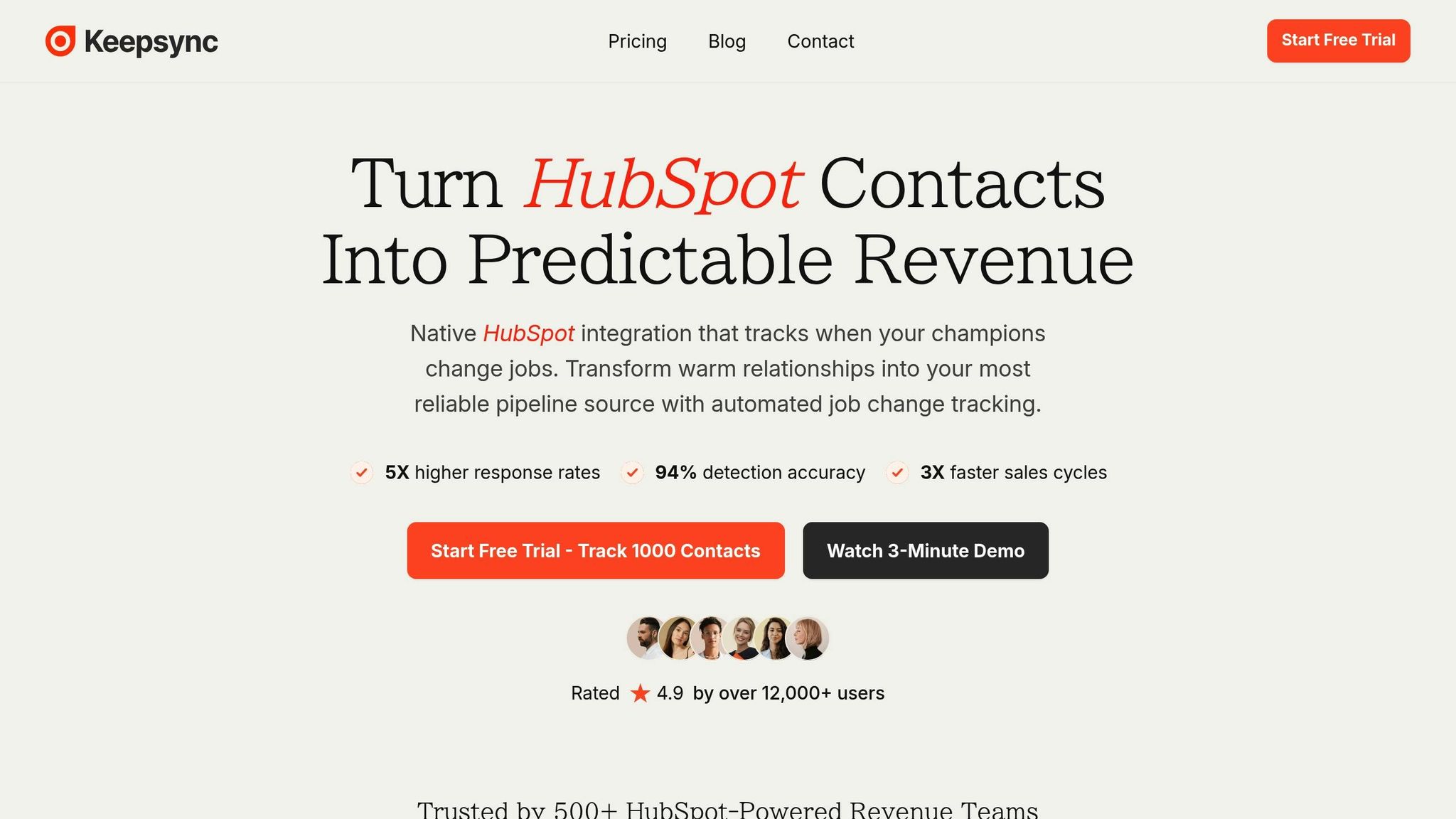
KeepSync simplifies job change tracking and keeps your HubSpot CRM updated automatically. It’s designed to tackle common integration and data quality issues, ensuring your team stays on top of critical updates.
KeepSync monitors contacts weekly across more than 30 sources with an impressive 94% accuracy rate. By combining automated data collection with human verification, it ensures reliable results. Key contact groups - like former champions, closed-lost deals, and competitor account contacts - are tracked, so your team always has fresh, actionable leads.
Setting up KeepSync with HubSpot takes just about five minutes, no complicated APIs required. Once integrated, it updates contact records, triggers workflows, and routes leads based on your rules. When a job change is detected, KeepSync adds verified details - such as the contact’s new company, updated title, direct email, and phone number. This allows your team to automate outreach sequences and maintain accurate pipeline analytics, all within HubSpot.
KeepSync offers straightforward pricing tiers to fit different needs:
By combining automated data collection from multiple sources with human verification, KeepSync significantly reduces false positives. This ensures your team can focus on real sales opportunities without wasting time on inaccurate data.
KeepSync delivers real-time alerts via Slack, email, or directly in HubSpot, based on your team’s preferences. For more customization, webhook and API access allow you to push job change data into other tools or create tailored alert systems, keeping your entire tech stack in sync.
Breeze Intelligence integrates seamlessly with HubSpot's AI Prospecting Agent, streamlining tasks like lead research, personalized outreach, and follow-up management within HubSpot's Smart CRM. This agent works around the clock - logging activities, updating records, and offering workflow customization through a simple drag-and-drop builder [1][2]. By analyzing your existing CRM data, it identifies prospects that align with your ideal customer profile. Plus, it supports multi-channel prospecting, enabling outreach via email, social media, and more [1][2]. Unlike tools that focus on tracking job changes, Breeze shines in automating the entire prospecting process.
Although Breeze Intelligence is highly effective for automating prospecting and lead research, it doesn't focus on specialized job change tracking. Its primary strength lies in automating prospecting workflows rather than monitoring career shifts.
Breeze tailors outreach efforts using contextual insights, but occasional delays in updating contact data might lead to outdated information.
Breeze Intelligence is included with HubSpot's Sales Hub Pro. Pricing starts at $15 per user/month and goes up to $150 per user/month for enterprise-level features.
The platform offers detailed reporting and analytics, allowing you to track prospecting activities and measure outcomes effectively.
Gem-E leverages AI to monitor job changes, making it easier to reconnect with your contacts at the right time.
While UserGems integrates with various CRMs, its design is primarily tailored for Salesforce. This focus means it may not be as seamless for HubSpot users, which could influence its appeal depending on your CRM setup. These integration differences also play a role in how the tool is priced.
UserGems follows a premium pricing model, starting at $30,000 per year with an annual commitment [3]. Specific pricing details aren’t publicly available, so you’ll need to reach out to their sales team for a custom quote [3][5]. This positions the tool as a high-end option, generally aimed at mid-market and enterprise-level businesses [4].
Gem-E employs AI to refine lead scoring and segmentation, ensuring sales teams can focus on their most promising opportunities. It also provides actionable alerts, helping teams engage with leads at the most opportune moments [6].
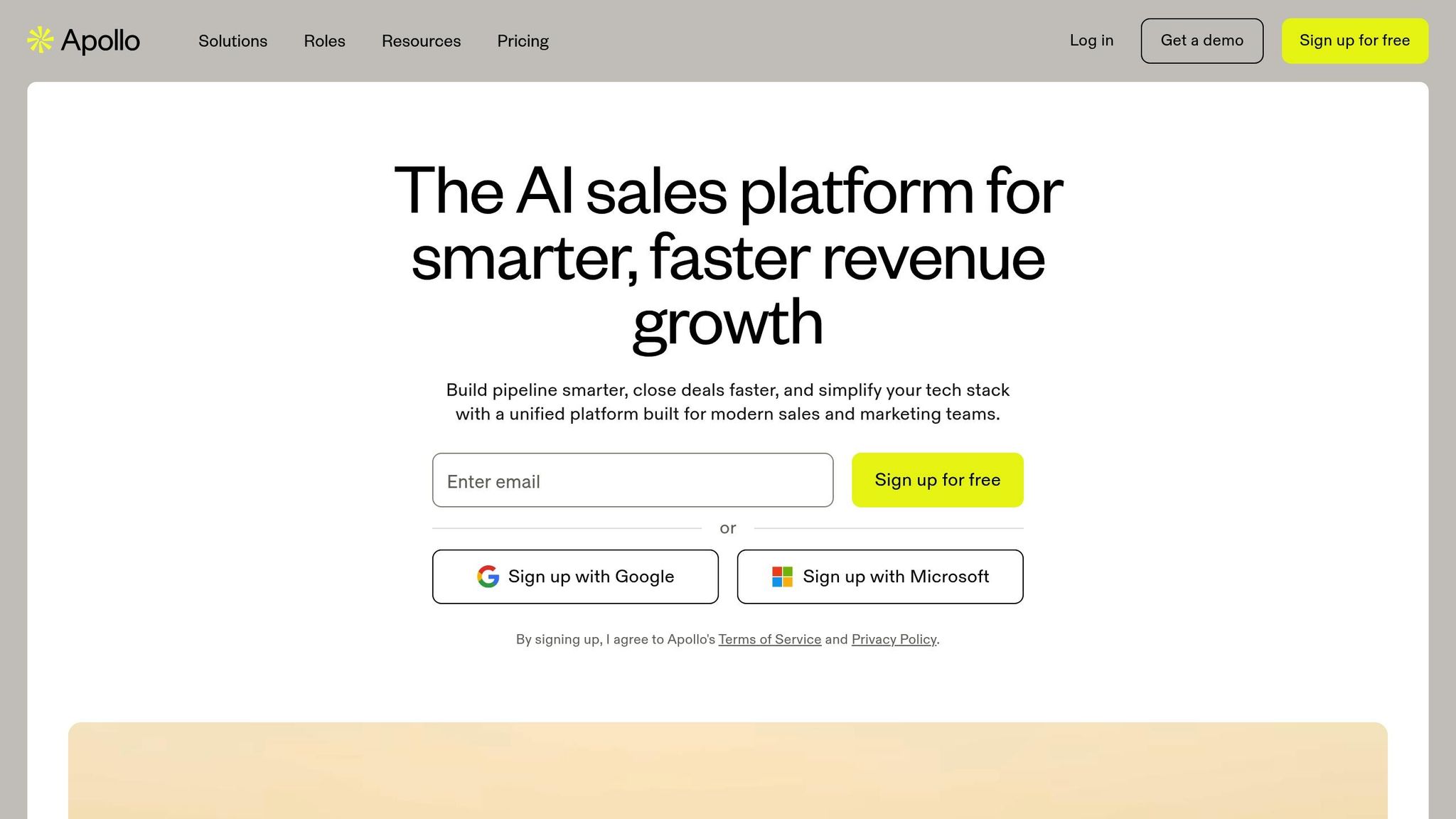
Apollo.io integrates seamlessly with HubSpot, allowing real-time syncing of contact data. This ensures your sales team always has the most up-to-date information at their fingertips, making their workflow smoother and more efficient.
Apollo.io stands out as an affordable, all-in-one platform that combines several essential sales tools. It offers a robust B2B database, outreach automation, and CRM integrations - all under scalable pricing plans designed to grow alongside your team.
A switch to Apollo.io has delivered impressive results for companies like Census. They reported 4× more contact data and a 64% reduction in platform costs after adopting Apollo.io [7].
"When Census's data quality issues started to sabotage their sales team, Head of Growth Sylvain Giuliani made a bold move: replacing their entire tech stack with Apollo. This switch set their go-to-market team up for unprecedented growth, with 4x more contact data while cutting platform costs by 64%." – Sylvain Giuliani, Head of Growth & Operations @ Census [7]
Predictable Revenue also experienced transformative results after consolidating their tech stack with Apollo.io. They achieved 50% cost savings, doubled email open rates, and cut their time to meeting by 50% [7].
"Predictable Revenue's CEO Collin Stewart was struggling with an expensive, complex tech stack. By switching to Apollo as their all-in-one platform, they cut costs by 50% while doubling email open rates and cutting time to meeting in half." – Collin Stewart, CEO @ Predictable Revenue [7]
One of Apollo.io's standout features is its focus on providing precise, up-to-date contact information. This level of accuracy minimizes email bounces and enhances productivity, helping sales teams operate more effectively.
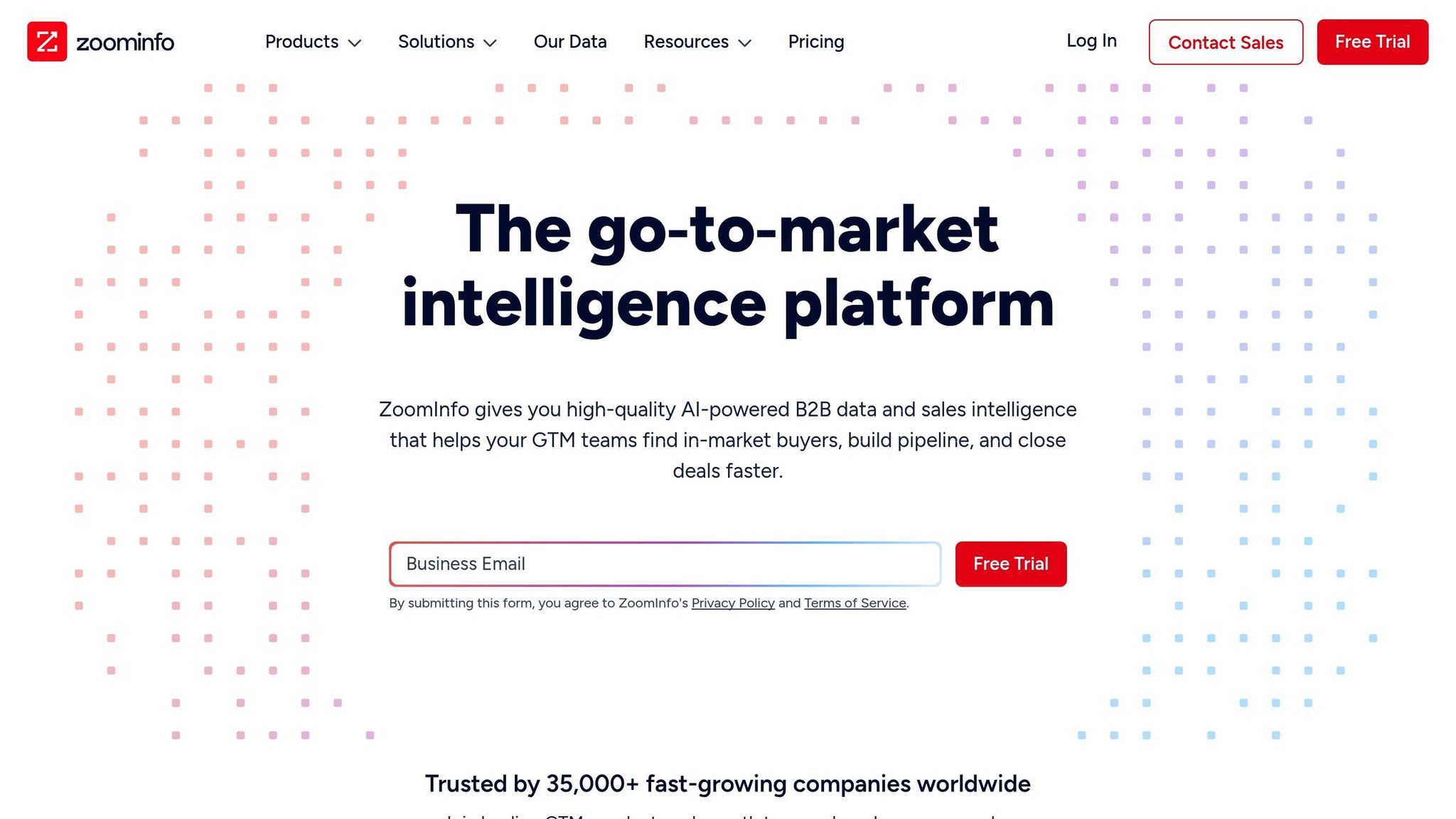
ZoomInfo taps into its extensive database to boost your HubSpot CRM strategies, aligning perfectly with modern sales automation needs.
ZoomInfo integrates seamlessly with HubSpot, automatically syncing contact and company data. It feeds enriched contact details, firmographic insights, and buying signals directly into your HubSpot CRM. This eliminates the hassle of manual data entry and ensures your records stay up-to-date.
With this native integration, sales teams can access ZoomInfo's vast database without leaving HubSpot. You can enrich existing contacts, find new prospects, and update outdated information effortlessly. This streamlined workflow keeps your data clean and actionable, all within the HubSpot environment. Plus, it paves the way for proactive job change alerts.
ZoomInfo's Scoops feature keeps tabs on job changes across millions of professionals, sending alerts when your contacts move to new companies. This opens up warm opportunities to reconnect with former advocates who might need your solutions at their new roles.
The platform tracks executive shifts, promotions, and organizational changes in real-time. When a key decision-maker transitions, you’ll get notified, allowing you to turn these changes into valuable pipeline opportunities.
ZoomInfo boasts data on over 100 million professionals and 14 million companies. Its records are maintained through a mix of automated data collection, human verification, and machine learning, ensuring high accuracy.
The database is continuously updated, with verification processes that cross-check contact details against multiple sources. This layered approach minimizes bounce rates and enhances outreach reliability. Additionally, ZoomInfo provides confidence scores for each data point, offering transparency about the reliability of its information.
ZoomInfo uses a custom pricing model tailored to your specific needs. Pricing depends on factors like company size, number of users, and required features. While the platform offers robust capabilities, the premium cost and lack of upfront pricing transparency can pose challenges for smaller teams or those needing a straightforward budget estimate.
ZoomInfo’s intent data and buying signals notify you when target accounts show signs of purchase readiness. By monitoring website visits, content engagement, and research behavior, the platform flags prospects for immediate follow-up. These alerts integrate directly into HubSpot workflows, enabling swift action.
Sales teams can prioritize their outreach based on these engagement signals, focusing on accounts most likely to convert. ZoomInfo also tracks key triggers like technology adoption, funding rounds, and other events that indicate potential sales opportunities. This helps your team stay ahead of the curve and seize the right moments to connect.
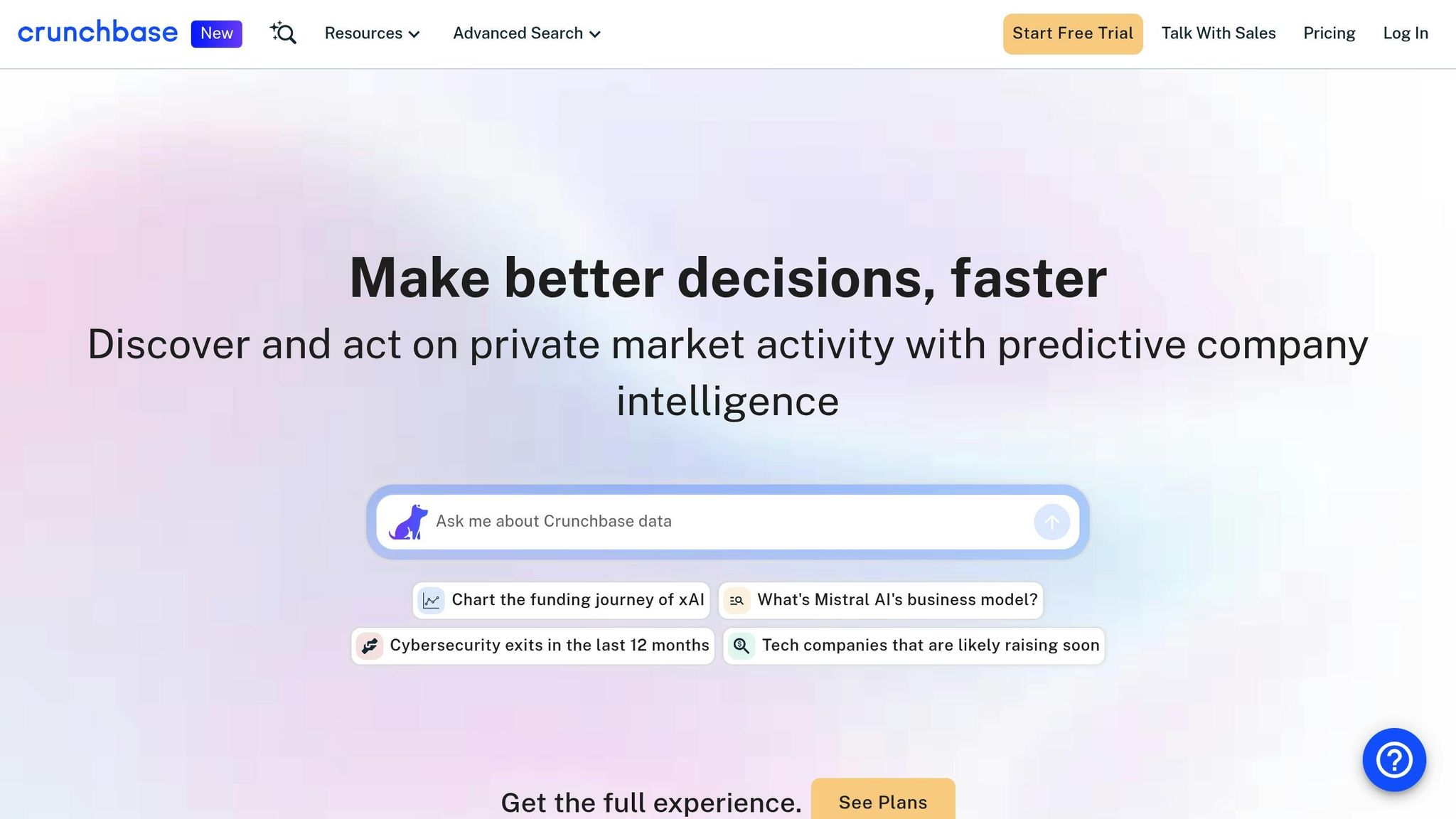
Crunchbase provides a wealth of insights into company funding and executive changes, making it a valuable tool for HubSpot users who need to keep tabs on job shifts and business developments.
Crunchbase serves as a robust B2B data platform, but its integration with HubSpot isn’t as straightforward as some other tools. To avoid surprises, it’s a good idea to consult with Crunchbase’s team about the latest integration options. While its primary strength lies in offering detailed company insights, its CRM synchronization may require some extra steps. This integration acts as a foundation for leveraging Crunchbase’s broader data capabilities.
One of Crunchbase’s standout features is its ability to track executive movements, particularly during pivotal moments like funding rounds. Startups and high-growth companies often see leadership shifts following these announcements, and Crunchbase captures these changes effectively. However, it’s worth comparing how well this data aligns with your HubSpot workflow, especially if you’re considering tools specifically designed for job change tracking.
Crunchbase is widely recognized for its reliable data on funding, startups, acquisitions, and executive appointments, particularly in the tech and innovation space. Its reputation suggests a commitment to high data quality, though details about its validation processes aren’t publicly disclosed. For users seeking trustworthy company profiles and funding information, Crunchbase stands out as a dependable resource.
Crunchbase offers tailored pricing based on factors like data access levels and the number of user seats. To determine whether it’s a worthwhile investment, reach out to their sales team to discuss your specific needs. Pricing flexibility means you can customize the service to align with your HubSpot goals and expected return on investment.
If real-time job change alerts are critical to your sales strategy, it’s important to assess how quickly Crunchbase delivers notifications and how these integrate with HubSpot. Many modern B2B tools prioritize rapid alerts and customizable notifications, so understanding how Crunchbase fits into your workflow is essential. Keep in mind that setting up these alerts within HubSpot may take some extra time.
Crunchbase is a strong choice for teams focused on comprehensive funding data and in-depth company research. While it may not emphasize real-time job tracking as heavily as some specialized tools, it enhances HubSpot by providing deeper company intelligence, which can be a significant asset for sales and business development teams.
KeepSync simplifies job change tracking for HubSpot users with its seamless native integration, helping to optimize your sales process.
For HubSpot-focused teams, KeepSync's precise tracking, easy setup, and transparent pricing make it a solid choice for automating sales workflows and tracking job changes effectively.
Choosing the best UserGems alternative depends on your team size, budget, and sales workflow. Here’s how to break it down:
If you’re a small business or startup working with a tighter budget, KeepSync's Starter and Team plans offer flexibility. With its seamless HubSpot integration and a quick 5-minute setup, you can test automated job change tracking without any upfront cost - perfect for getting started without a major commitment.
For growing revenue teams, the Team plan steps things up by adding real-time Slack alerts and API access. These features make it easier to act quickly on key contacts and scale your efforts as your business grows.
Enterprise teams, on the other hand, need more robust solutions. Look for tools that provide extensive data coverage, advanced enrichment features, and native HubSpot integration. These capabilities help eliminate data sync issues and speed up implementation, ensuring your sales process runs smoothly.
Before committing, take advantage of a demos. Track a sample of 500–1,000 contacts over 30 days to evaluate alert accuracy, reduce false positives, and confirm that notifications integrate seamlessly into your workflow. The right tool should save you time on manual research while helping you act on opportunities faster. Use these trial insights to find the best fit for optimizing HubSpot sales automation and job change tracking.
KeepSync uses real-time AI-powered data validation to make sure job change updates are both accurate and dependable. By cross-checking employment data from several trusted sources, it reduces the chances of errors and false notifications, so you can trust the information you receive.
This precise method allows sales teams to concentrate on top-tier leads while simplifying workflows directly within their HubSpot CRM.
When selecting a job change tracking tool for HubSpot, there are a few key factors to keep in mind. Start by checking if the tool offers smooth integration with HubSpot, allowing you to sync data automatically. This eliminates the hassle of manual updates and ensures your CRM records stay accurate and current.
Look for features like real-time job change alerts and customizable workflows. These can empower your sales team to respond promptly to new opportunities. Tools that include detailed reporting and analytics are also worth considering, as they can help you assess how job changes are influencing your sales pipeline.
Lastly, take a close look at the tool's pricing and scalability to confirm it fits your budget and long-term plans. A straightforward interface and dependable customer support can also make a big difference in boosting productivity and getting the most out of your investment.
To choose the right KeepSync pricing plan for your team, start by identifying what you truly need. Think about things like the number of users, the features you’ll rely on most, and whether you need seamless integration with tools like HubSpot. It’s also worth considering your team’s workload and sales objectives - this will help you focus on the features that can simplify your processes and help you hit those goals.
Once you’ve outlined your needs, take a look at your budget. KeepSync offers several pricing tiers designed for different team sizes and requirements, so it’s about finding the right balance between cost and functionality. If you’re on the fence, make use of a demos or demos to test the platform. This way, you can see if it meets your team’s needs before making a commitment.