
Digital Marketing
·
April 10, 2026
How SaaS Companies Handle Billing Disputes & Chargebacks
Learn how SaaS billing disputes happen, what triggers chargebacks, and how both sides can resolve them faster.

Compare HubSpot's built-in job-change tracking with third-party tools that auto-detect and enrich contacts — evaluate speed, accuracy, workflows, and cost.

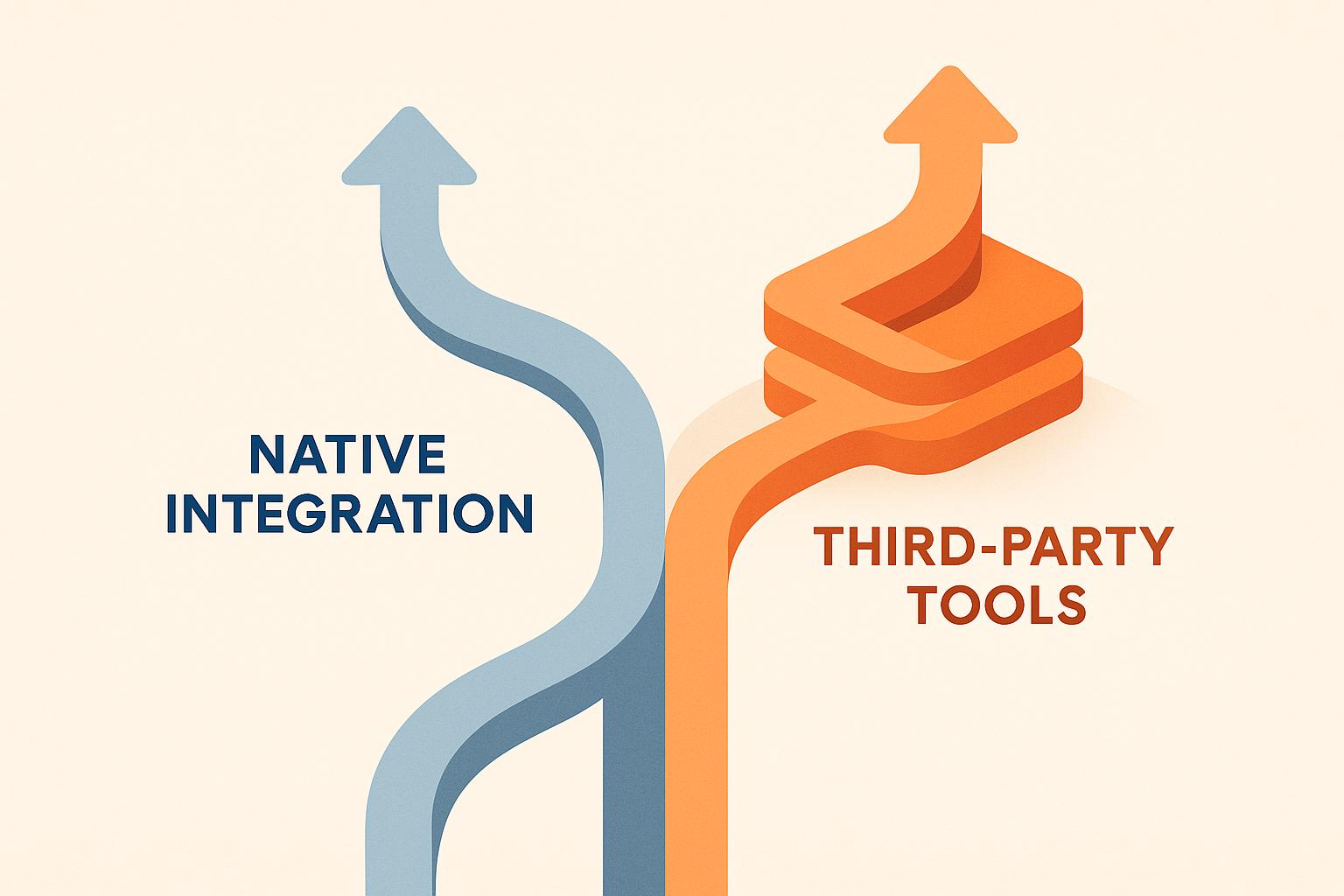
Job change alerts notify you when a contact in your CRM updates their job title or moves to a new company. For HubSpot users, this can uncover sales opportunities and reduce the risk of outdated data impacting revenue. You have two options: HubSpot's built-in features or third-party tools like KeepSync. Here's how they compare:
| Feature | HubSpot Native | KeepSync (Third-Party) |
|---|---|---|
| Detection | Manual updates | Automatic, multi-source |
| Speed | Delayed | Weekly scans, real-time alerts |
| Cost | Included in subscription | Starts at $149/month |
| Data Enrichment | None | Automatic updates |
| Best For | Small teams, tight budgets | Larger teams, automation-focused |
Key takeaway: HubSpot's tools work for basic needs, but third-party options provide faster, more accurate tracking for scaling sales teams.
Before diving into external tools, it's important to understand how HubSpot handles job change tracking on its own. HubSpot updates job change data only when contact information is manually updated or flagged during its monthly AI-driven reviews. These reviews use the Breeze AI toolkit, which costs $30 per user per month [5][6]. However, HubSpot doesn't automatically detect job changes - it depends on already-updated CRM data to trigger tracking events.
The Operations Hub can help by cleaning and organizing CRM data while syncing it with external systems. This makes it easier to update contact records with new job details [6]. Additionally, users can set up custom fields to log updated job information on contact records [6]. For a more direct approach, you can create active lists targeting contacts whose job properties haven't been updated recently and use side-pop surveys to ask them about their current role and company [4].
Once these updates are made, HubSpot's automation tools can take over - here's how.
When job change data is updated in your HubSpot CRM, you can use workflows to automate tasks like sending notifications, creating follow-ups, enrolling contacts in sequences, or updating properties. The workflow engine is designed to respond to changes in a contact's job title or company name.
That said, HubSpot only tracks these changes after a property is updated - it doesn't proactively detect them. This feature, called "property change event tracking", is exclusive to Enterprise-level subscriptions (Marketing, Sales, Service, Data, Content, or Commerce Hub Enterprise) [7]. Keep in mind the limits: each account is restricted to 25 property change events, with a monthly cap of 30 million events [7]. Also, this tracking begins only after the event is created, meaning it won't capture historical changes [7].
HubSpot's built-in tools come with some clear benefits: they don't add extra costs beyond your subscription tier, and everything stays centralized within the CRM. These tools perform well when contact records are updated promptly. However, they fall short in areas like automatic detection and scaling, as they rely heavily on manual data entry and face limits in workflow complexity.
For example, building intricate job change tracking workflows is challenging due to the 20-branch maximum per workflow. This makes scaling difficult for teams with large contact databases or diverse needs unless they duplicate workflows or upgrade to Operations Hub for custom coding [8]. Moreover, if your team requires automatic detection across all contacts or needs to filter notifications based on Ideal Customer Profile (ICP) criteria, HubSpot's native tools may not suffice [4].
These limitations highlight the potential need for third-party job change tracking tools to enhance HubSpot's capabilities.
Third-party tools offer advanced job change tracking by tapping into over 30 data sources, automatically detecting updates rather than relying on manual input. Using specialized algorithms, these platforms monitor career moves in real time or near real time.
The standout feature is automatic detection and enrichment. These tools not only flag job changes but also update contact details like verified email addresses, phone numbers, and company information. Many even send multi-channel alerts through Slack, email, or directly within HubSpot, enabling sales teams to act on opportunities as soon as they arise. For example, KeepSync illustrates how these capabilities function seamlessly.
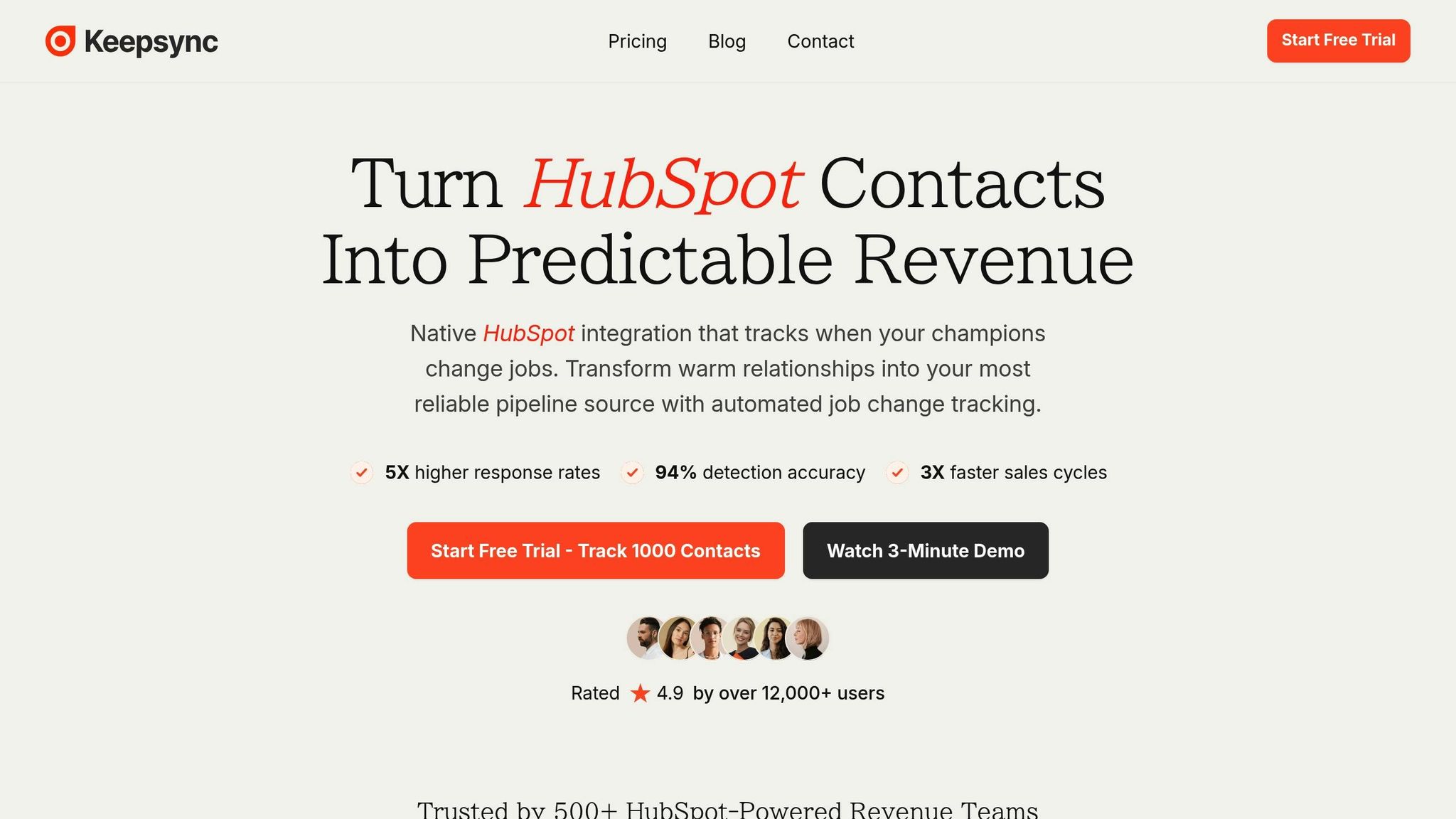
KeepSync integrates directly with HubSpot, tracking your contacts weekly with an impressive 94% accuracy in job change detection. Setup is quick - just five minutes to connect your HubSpot account and enable automatic tracking.
When a job change is identified, KeepSync enriches the contact record with verified details and sends instant alerts via Slack, email, or HubSpot notifications. Designed with HubSpot in mind, it updates contact properties directly, triggering your existing workflows automatically.
The platform also assigns tasks to sales reps and works with HubSpot's workflow engine, making it easy to automate follow-up sequences when a contact moves to a new role. Additionally, you can filter alerts based on your Ideal Customer Profile, ensuring your team focuses only on the most relevant job changes.
KeepSync and similar tools enhance job change tracking with smooth HubSpot integration, offering speed, precision, and full automation. They verify and enrich contact data instantly, while also providing detailed reporting on pipeline performance and response rates, helping you measure the ROI of job change outreach. With access to a wide range of data sources, these tools increase the chances of spotting opportunities early.
However, there’s a cost factor. KeepSync pricing starts at $149 per month for 5,000 contacts, with an additional $0.02 per contact beyond that. For smaller teams, a Starter plan ($79/mo) supports up to 1,000 contacts, making it a good option for testing the platform. Some setup is required to customize filters and workflows. For teams with tight budgets or simpler needs, the expense might feel like a hurdle. But for organizations focused on quick follow-ups and warm leads, the investment often translates into higher conversion rates.
 Job Change Tracking Tools Comparison" style="max-width:100%; margin:1em auto; display:block;">
HubSpot Native vs Third-Party Job Change Tracking Tools Comparison
Let’s break down the key differences between HubSpot's native tools and third-party options, like KeepSync, to help you decide which approach aligns best with your business needs.
HubSpot’s native tools are built to respond to changes within your existing CRM data. However, they don’t proactively track job changes or updates from external sources. On the other hand, third-party tools like KeepSync actively monitor external data sources and automatically update your HubSpot records with verified information, triggering workflows without manual intervention.
Cost is another area where these tools diverge. While HubSpot's native option doesn’t require additional fees, it often demands more manual effort, which could lead to missed opportunities. Poor data quality can cost businesses up to 30% of their annual revenue [1], making the "free" option potentially more expensive in the long run. Third-party tools like KeepSync operate on a subscription model, starting with a Starter plan ($79/mo) for up to 1,000 contacts. Paid plans begin at $149 per month for 5,000 contacts, with an added cost of $0.02 per additional contact. These tools promise better returns by improving data accuracy and speeding up conversions.
Timing is critical, especially when 70% of new executives allocate budgets within their first 100 days [1]. Reconnecting with former champions during this window can triple your chances of conversion [1]. HubSpot’s reactive approach might mean you’re too late to act, while automated tools ensure you’re notified as soon as updates occur, giving you a competitive edge.
| Feature | HubSpot Native | Third-Party Tools (KeepSync) |
|---|---|---|
| Detection Method | Manual updates or reactive (e.g., email bounces) | Automatic monitoring across 30+ data sources |
| Accuracy | Relies on contact self-reporting | 94% accuracy with multi-source verification |
| Speed | Often delayed by weeks or months | Weekly scans with real-time alerts |
| Data Enrichment | None - requires manual research | Automatic updates with verified details |
| Workflow Integration | Works with existing HubSpot workflows | Native integration with automatic triggers |
| Alert Options | Email notifications only | Slack, email, and HubSpot notifications |
| Reporting & Analytics | Basic workflow reporting | Detailed pipeline performance and ROI tracking |
| Setup Time | Requires custom property and workflow setup | 5 minutes to connect and start tracking |
| Pricing | Included in HubSpot subscription | Free for up to 1,000 contacts; premium plans start at $149/month |
| Best For | Small teams with simple needs and tight budgets | Teams prioritizing speed, accuracy, and automation |
This comparison highlights the strengths and limitations of both options, helping you choose whether a manual or automated approach is the right fit for your team’s goals.
When deciding between HubSpot's native tools and KeepSync, it's essential to weigh factors like your database size, sales strategy, team resources, and budget.
Start by assessing your database and data requirements. If HubSpot serves as your primary system and you manage a smaller contact list, its native workflows can keep automation simple and aligned with your data [9]. On the other hand, if you're handling thousands of contacts across multiple platforms or need strict control over data for compliance, third-party tools may offer more scalability and flexibility [9].
Your sales strategy also plays a role. For account-based marketing or complex B2B sales cycles, you'll need robust automation and real-time alerts. However, if your focus is on inbound leads with straightforward nurturing workflows, HubSpot's built-in features might be enough.
Another key factor is the expertise and resources available to build and maintain your tracking system. Ashish Shetty from DigitalScouts puts it this way:
The question is no longer whether to automate. The question is which platform fits your stack, your team, and your risk profile
[9]. RevOps teams and marketers often lean toward HubSpot Workflows for their user-friendly design and safeguards, while developers may prefer the deeper control offered by third-party platforms like n8n [9][10].
Budget considerations are also critical. HubSpot's native option is part of your subscription but requires more manual effort, which could lead to inefficiencies. KeepSync offers a Starter plan ($79/mo) for up to 1,000 contacts, with paid plans starting at $149/month for 5,000 contacts. These costs can often be offset by improved conversion rates and time savings.
With these factors in mind, consider one of the following implementation options.
Option 1: HubSpot Native Only
Leverage HubSpot's property change tracking to monitor updates to fields like "Job Title" or "Company Name." Use the Data Management > Event Management feature to create custom events and build workflows that trigger notifications or assign tasks [7]. This method is ideal for small teams on tight budgets who can manually verify and update contact details.
Option 2: Third-Party Tool (KeepSync)
Connect KeepSync to your HubSpot account in just a few minutes to automatically track contacts across more than 30 data sources. The tool updates records with verified information and integrates seamlessly with your existing HubSpot workflows. Alerts can be sent via Slack, email, or directly within HubSpot whenever a contact changes jobs. This approach is perfect for teams prioritizing speed and accuracy while minimizing time spent on data maintenance.
Option 3: Hybrid Approach
Many teams find success by combining both methods, clearly defining the role of each platform [9]. For example, you can manage CRM-centered processes like lifecycle updates and campaign enrollment within HubSpot Workflows to keep things close to your core data [9]. Meanwhile, third-party tools handle tasks like cross-app orchestration, data enrichment, and real-time alerts [9]. This strategy allows you to balance HubSpot's native strengths with specialized external tools.
After implementing your tracking system, measure its effectiveness using these metrics:
To maintain a reliable and secure system as you scale, enforce strong governance practices. Use least-privilege credentials, centralize and rotate API keys, implement retries for failed workflows, standardize property names across your CRM, and review error logs weekly [9]. These steps will help ensure your tracking system remains effective and secure over time.
Job change alerts can be a game-changer for B2B sales teams, offering a way to seize opportunities at just the right moment. According to Deloitte, 25% of enterprises are expected to deploy AI agents by 2026 to identify critical events and automate responses, underscoring the growing importance of real-time insights [3]. The real challenge isn’t deciding whether to track job changes - it’s figuring out the most effective way to do so for your team.
For smaller teams, HubSpot’s built-in tracking tools provide a budget-friendly option. However, they depend heavily on manual updates and lack the precision of real-time alerts. On the other hand, third-party tools like KeepSync bring automated monitoring across multiple sources, boasting 94% accuracy, instant notifications, and seamless integration with HubSpot workflows. This added functionality can directly impact sales performance.
The best approach depends on your team’s size and strategy. Smaller teams managing fewer than 1,000 contacts and simple workflows may find HubSpot’s native features sufficient. But for larger organizations, automated solutions offer the scalability and accuracy needed to eliminate manual updates and enhance efficiency.
Real-time alerts powered by accurate data can accelerate deal closures and improve conversion rates [2][3]. With 66% of B2B buyers expecting personalized interactions in their professional lives [11], responding promptly to job changes can significantly influence your sales pipeline and revenue growth.
Whether you go with native tools, a third-party solution, or a mix of both, adopting job change tracking transforms your sales approach from reactive to proactive. The key is to choose a method that aligns with your team’s goals and keeps you ahead in today’s competitive landscape.
Third-party tools can play a big role in making job change tracking in HubSpot more efficient. They bring features like automated tracking, customizable notifications, and enhanced data insights, ensuring you stay updated on job changes as they happen. This helps keep your contact records accurate and allows you to focus on leads that matter most.
What’s more, many of these tools integrate smoothly with your current workflows. This means your sales and marketing teams can respond quickly to new opportunities, making lead nurturing more seamless and boosting overall pipeline management efficiency.
When you use HubSpot's native tools, they’re generally included in your existing subscription, so there’s no extra charge. That said, there are some limits to be aware of - like a cap of 25 property change events per account and up to 30 million event occurrences each month.
On the other hand, third-party tools often come with additional subscription costs. However, they bring more to the table with advanced features, better scalability, and stronger automation for tracking job changes. While these tools require an upfront investment, they can save you time, simplify workflows, and uncover new sales opportunities - making them a worthwhile consideration for boosting efficiency and results.
Job change alerts can reshape B2B sales strategies by giving teams a chance to reconnect with former contacts who’ve moved into new roles or companies. These changes open doors to re-establish relationships with past advocates, spot promising buyers early, and tap into fresh budgets - especially during the critical first 100 days of a new role, when decision-making tends to be more adaptable.
On top of that, job change alerts help keep your CRM accurate and up-to-date. This minimizes wasted outreach and boosts the overall quality of your sales pipeline. By prioritizing timely and relevant engagement, sales teams can strengthen relationships and close deals with greater success.