
Digital Marketing
·
April 10, 2026
How SaaS Companies Handle Billing Disputes & Chargebacks
Learn how SaaS billing disputes happen, what triggers chargebacks, and how both sides can resolve them faster.

Compare Sales Navigator, HubSpot Workflows, and KeepSync for automatic LinkedIn job-change alerts, HubSpot sync, accuracy, pricing, and setup time.

When someone changes jobs, it creates a great opportunity for sales teams to reconnect or build new relationships. However, tracking these changes manually is inefficient - 85% of job changes go unnoticed. Automated tools like LinkedIn Sales Navigator, HubSpot Workflows, and KeepSync solve this problem by streamlining job change tracking. Here's a quick breakdown of each:
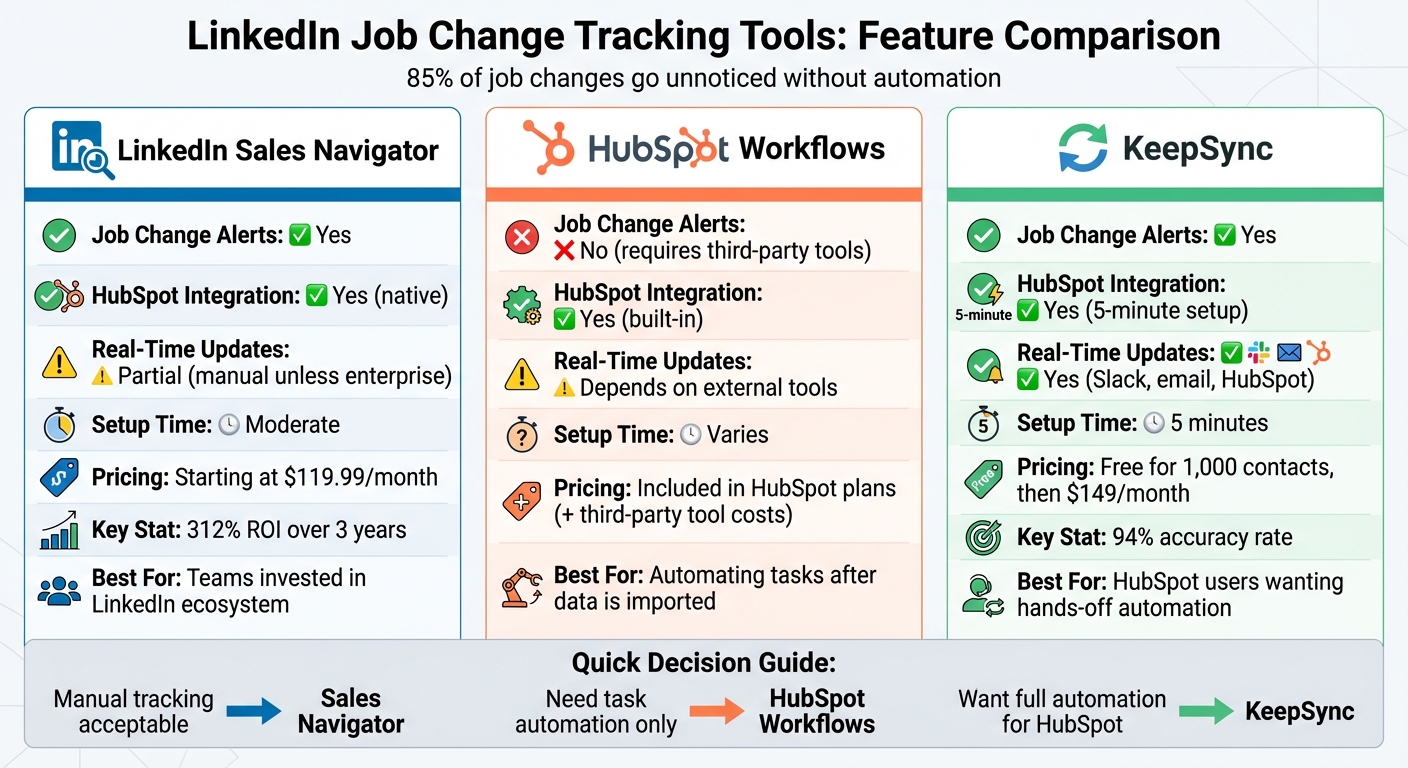
| Tool | Job Change Alerts | Integration with HubSpot | Pricing | Real-Time Updates | Setup Time |
|---|---|---|---|---|---|
| LinkedIn Sales Navigator | Yes | Yes | From $119.99/month | Partial | Moderate |
| HubSpot Workflows | No (needs tools) | Yes | Included in HubSpot | Depends on tools | Varies |
| KeepSync | Yes | Yes | Free for 1,000 contacts | Yes | 5 minutes |
Each tool has strengths and limitations, so choose based on your CRM setup and budget. KeepSync stands out for HubSpot users with its accuracy and ease of use.
 Job Change Tracking Tools Comparison: Sales Navigator vs HubSpot Workflows vs KeepSync" style="max-width:100%; margin:1em auto; display:block;">
LinkedIn Job Change Tracking Tools Comparison: Sales Navigator vs HubSpot Workflows vs KeepSync
LinkedIn Sales Navigator is a premium tool built to help sales teams find and track potential leads. It includes features like the "Changed Jobs in the Past 90 Days" filter and a Data Validation function. This feature cross-checks your CRM contacts with LinkedIn profiles daily, flagging contacts who have moved to new companies [8, 10, 11].
Sales Navigator provides real-time job change alerts, which can significantly reduce missed opportunities. However, its accuracy depends on users keeping their LinkedIn profiles up to date. Without these updates, tracking efforts may encounter false alarms or gaps [1].
One of Sales Navigator's strengths is its native integration with HubSpot. This allows users to view LinkedIn insights directly within contact and company records. You can even send InMails from HubSpot, and LinkedIn activities are logged automatically if you're using Sales Hub (Pro or Enterprise Edition) [12, 13]. That said, not all interactions are logged automatically - some still require manual input [14, 3].
Sales Navigator offers three subscription tiers:
Choosing an annual plan can save you about 20% compared to monthly billing. According to LinkedIn, teams using Sales Navigator grow their pipelines 2.2x faster and boost win rates by 16%. Many users find the platform pays for itself within six months, delivering an impressive 312% ROI over three years [4].
Getting started with Sales Navigator is fairly simple. Features like job change alerts can be set up quickly, but the tool mainly supports manual searches rather than full automation. Tasks like creating CRM records, filtering out non-qualifiers, or automating follow-ups require additional effort [3, 14].
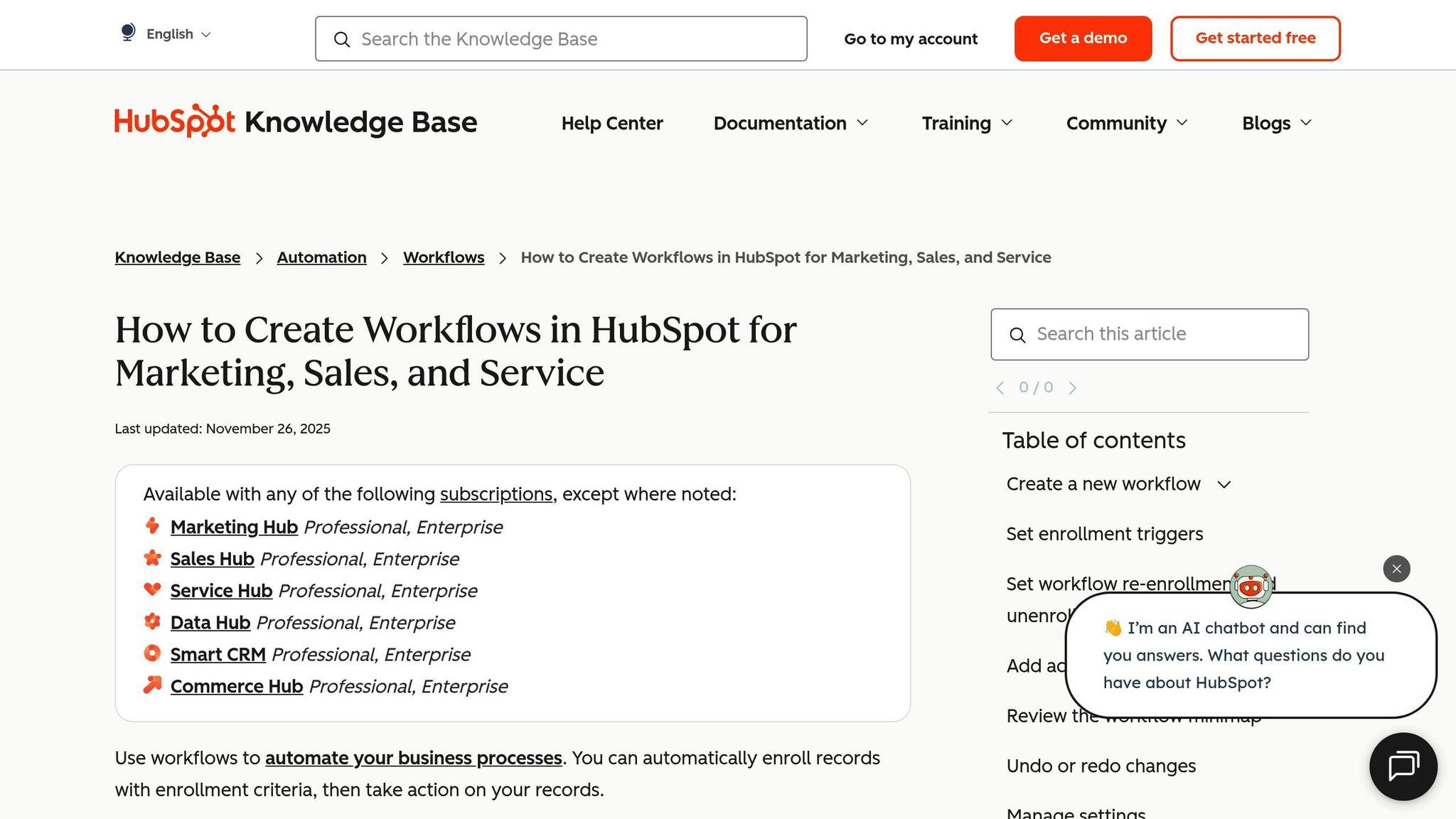
HubSpot Workflows are a handy way to automate internal processes, but when it comes to tracking LinkedIn job changes, they fall short. The platform's built-in integration with LinkedIn Sales Navigator is fairly basic - it allows you to view LinkedIn data and send InMails manually. However, it doesn’t automatically detect job changes or sync LinkedIn conversation history with your CRM [3][5].
If you want to track job changes in HubSpot, you'll need to bring in a third-party tool. These tools monitor LinkedIn for updates and feed the latest information directly into your CRM [5][6]. When a job change is detected, the tool updates the relevant contact details in HubSpot. From there, you can create workflows that respond to the enriched data. While HubSpot's built-in data enrichment is reliable for basic updates, it doesn’t offer the kind of real-time LinkedIn tracking that sales teams often need [6].
You can design workflows in HubSpot to take specific actions - like sending follow-up emails or assigning tasks - when contact data is updated. The time it takes to set up these workflows depends on the complexity of the tool and the processes you’re automating.
One of HubSpot's limitations is its inability to provide real-time alerts for LinkedIn job changes. To fill this gap, many teams turn to specialized sales intelligence platforms that integrate seamlessly with HubSpot [2]. These tools automatically track when key contacts, such as former customers or prospects, switch roles. They then update your CRM with fresh contact details and context, flagging these individuals as warm leads. This kind of automation ensures you stay on top of potential opportunities sparked by job movements.
The good news is that HubSpot Workflows are included in most HubSpot subscription plans, so there’s no extra cost for using this feature. However, you’ll need to account for the expense of any third-party job change tracking tools you integrate. Pricing for these tools typically depends on factors like the number of contacts being monitored or the volume of leads generated, and it varies based on the provider and the size of your team.
Next, we’ll dive into KeepSync’s approach to automating job change tracking.
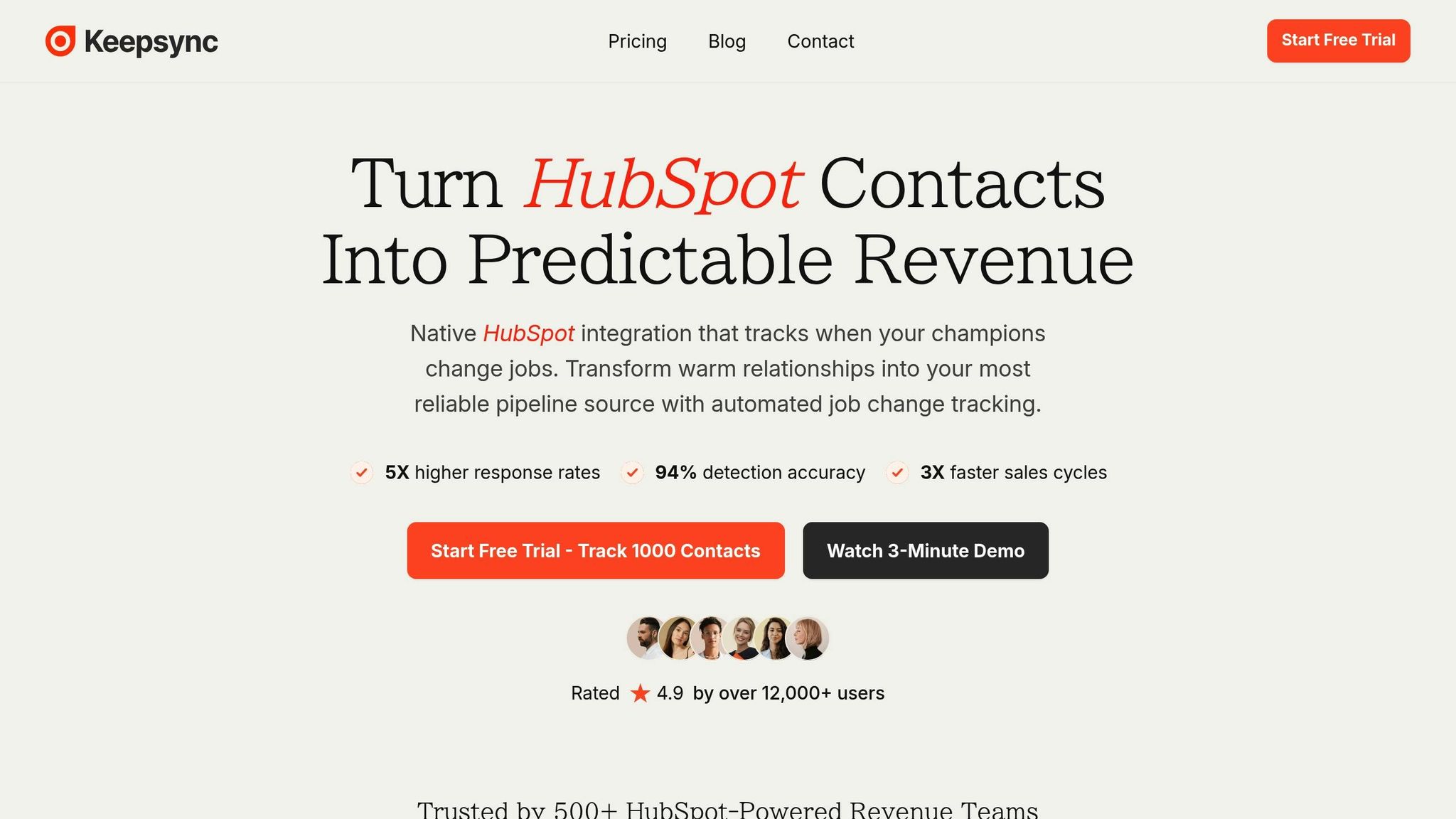
KeepSync is a tool tailored for HubSpot users, making it easier to track job changes among your contacts. It checks updates weekly by tapping into over 30 data sources and combines data aggregation with human verification to achieve an impressive 94% accuracy rate.
KeepSync connects with HubSpot in just five minutes, automatically updating your contacts with verified emails, phone numbers, and new company details whenever a job change occurs. These updates seamlessly integrate into your existing HubSpot workflows, enabling automated outreach sequences and task assignments without any extra setup. This integration ensures you stay informed and can act quickly on changes.
Whenever a job change is detected, KeepSync sends real-time alerts through Slack, email, or directly in HubSpot. It also offers pipeline analytics, giving you insights into response rates and ROI.
Each tool comes with its own set of strengths and challenges when it comes to tracking job changes.
LinkedIn Sales Navigator is great for spotting job transitions, as it highlights recent changes in roles. For users with Sales Hub Professional or Enterprise plans and Sales Navigator Advanced Plus, its integration with HubSpot CRM allows a seamless two-way data flow. This means LinkedIn insights - like current job titles and tenure - can appear directly on HubSpot contact records [8][9][10]. However, there’s a catch: unless you have an enterprise license, the tool doesn’t automatically sync data into your CRM. This means you’ll need to manually build lists and keep an eye on updates [2].
HubSpot Workflows shine when it comes to automating tasks. Once job change data is in your CRM, these workflows can handle outreach sequences, assign tasks, and even route leads - all without much manual effort. But there’s a limitation: HubSpot itself doesn’t detect job changes. So, the effectiveness of these workflows depends entirely on the accuracy and reliability of the external job change detection tool you’re using [7][2].
KeepSync stands out with a 94% accuracy rate, thanks to its multi-source verification process that includes human checks. It’s quick to set up - just five minutes for HubSpot users - and sends real-time alerts through Slack, email, or directly within HubSpot. This enables teams to act fast on new opportunities. Plus, it offers pipeline analytics to help measure ROI. For smaller teams, the Starter plan ($79/mo) (covering 1,000 contacts) is a low-risk way to try it out. However, KeepSync’s native integration is exclusive to HubSpot, leaving teams using other CRMs without this functionality.
Choosing the right tool means considering your team’s specific needs and workflows to ensure the best fit.
Finding the right job change tracking tool means matching your team's specific needs with the strengths of each option. Here's a quick recap of how these tools stack up:
LinkedIn Sales Navigator is ideal for teams already invested in LinkedIn. However, unless you have an enterprise license for automated CRM integration, you’ll need to rely on manual tracking.
HubSpot Workflows excel at initiating outreach and assigning tasks efficiently. That said, their performance hinges on how accurate and timely the incoming data is.
KeepSync offers a hands-off, streamlined solution for HubSpot users. With a setup time of just five minutes, 94% accuracy, and instant notifications, it removes much of the manual workload. Plus, the Starter plan ($79/mo) - covering up to 1,000 contacts - provides a low-risk way to test the tool with your own data.
When choosing a tool, think beyond the monthly cost. Consider how well it integrates with your CRM and the potential revenue impact. A seamless CRM integration isn’t just convenient - it saves hours of manual data entry and ensures your sales team can respond to opportunities right away. For growing teams, automation is key to keeping reps focused on what they do best: selling.
KeepSync achieves an impressive 94% accuracy in tracking job changes by using automated processes and real-time data updates. This minimizes manual mistakes and ensures information is both timely and dependable.
By constantly syncing with the latest professional data, KeepSync equips sales teams with the insights they need to respond swiftly to job changes. This not only opens doors to new opportunities but also helps maintain solid connections with leads and clients.
Integrating KeepSync with HubSpot brings real-time job change alerts and automated updates straight to your fingertips. This means you're always in the loop when key decision-makers switch roles, giving you the chance to respond promptly. Acting quickly in these moments can enhance your outreach efforts and boost your chances of turning these changes into new opportunities.
KeepSync also simplifies pipeline management by automatically syncing important updates. This lets you spend more time strengthening relationships and seizing warm leads sparked by job transitions, instead of manually tracking changes.
KeepSync is built to integrate smoothly with HubSpot, making it a perfect fit for teams already using this platform. However, for those not on HubSpot, its usefulness may be restricted since its main features depend heavily on this integration to perform effectively.